Documents
Read a document that does not fit.
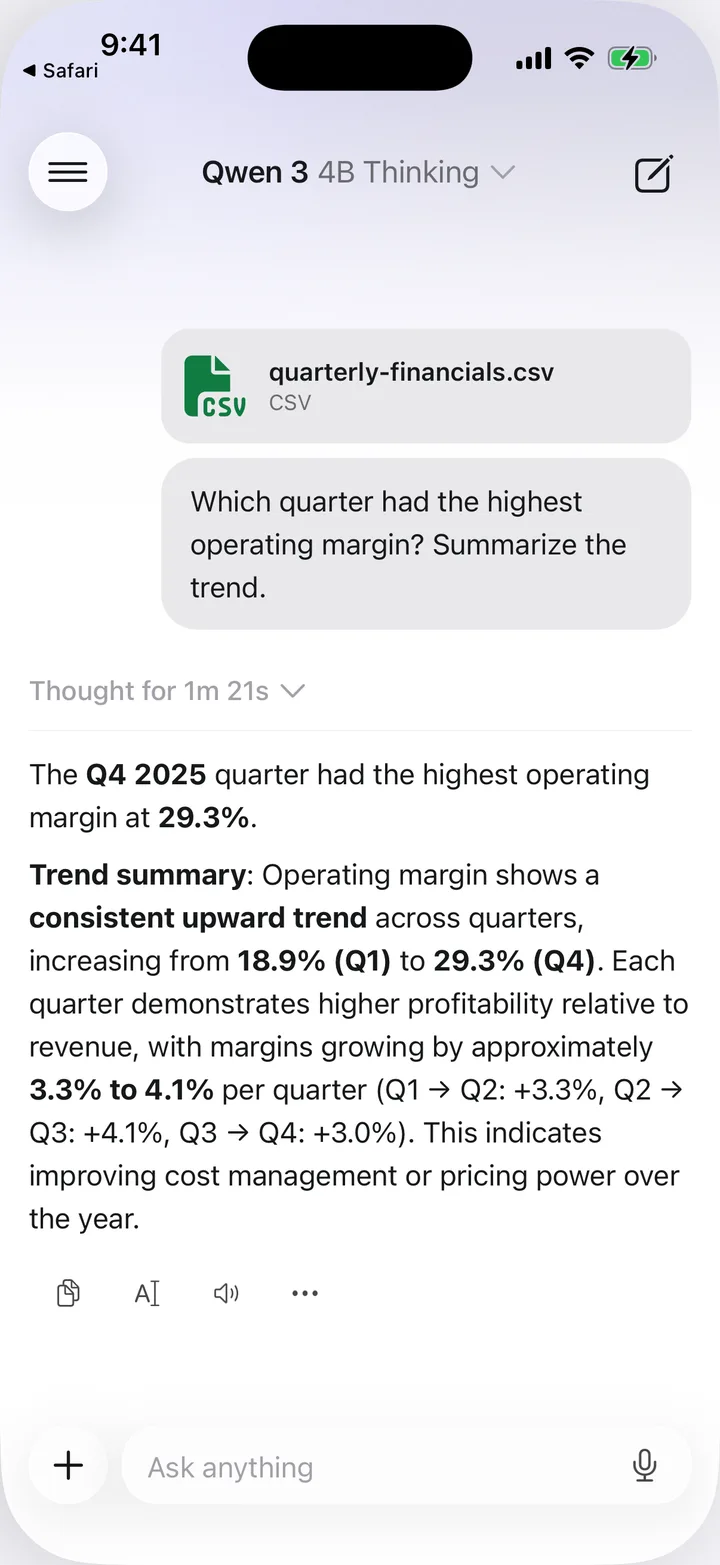
Attach a PDF, a Word file or a spreadsheet and ask about it. Nothing is uploaded.
53 open models from 15 labs, running entirely on your phone. No account, no subscription, and your chats stay on your device.
Open weights from fifteen labs


WHAT YOU CAN DO
Documents
Attach a PDF, a Word file or a spreadsheet and ask about it. Nothing is uploaded.
Vision
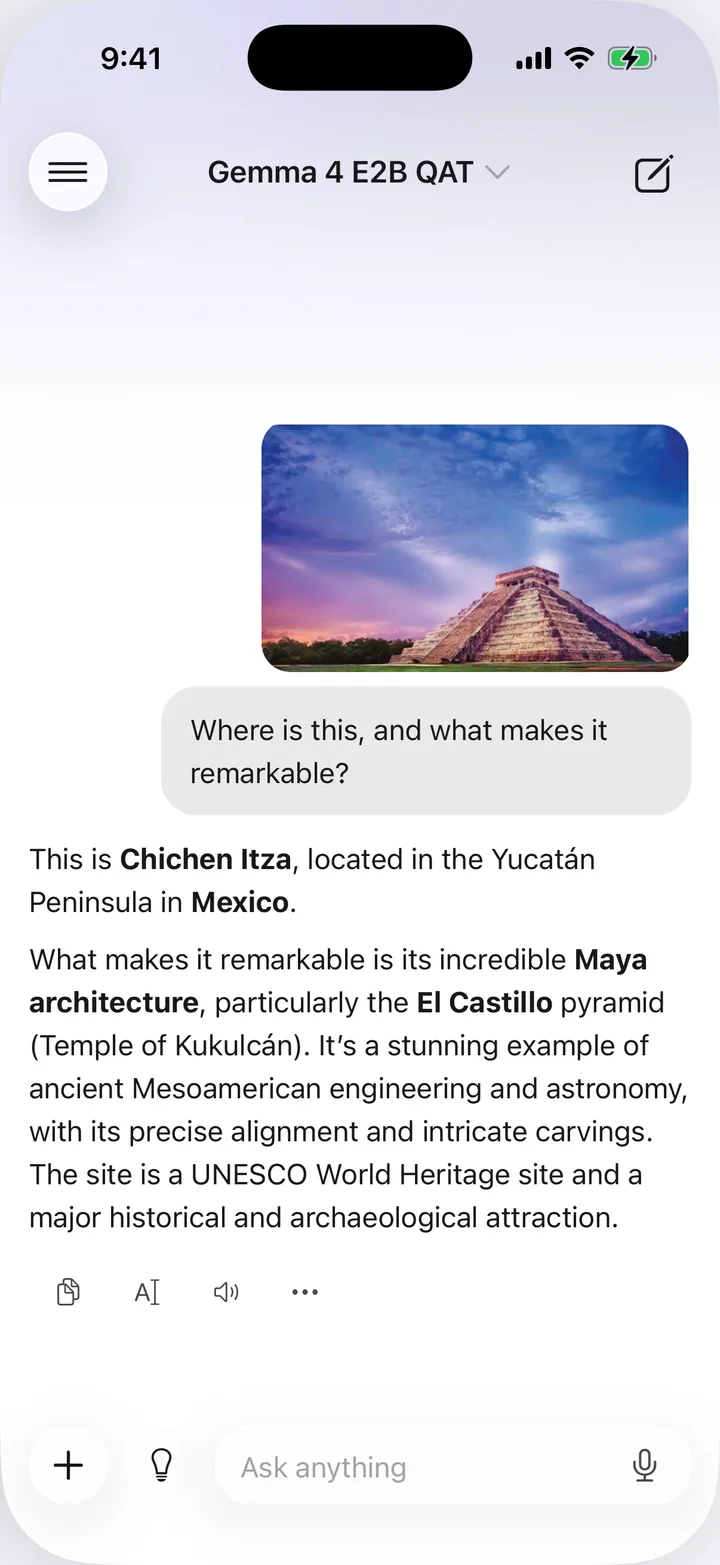
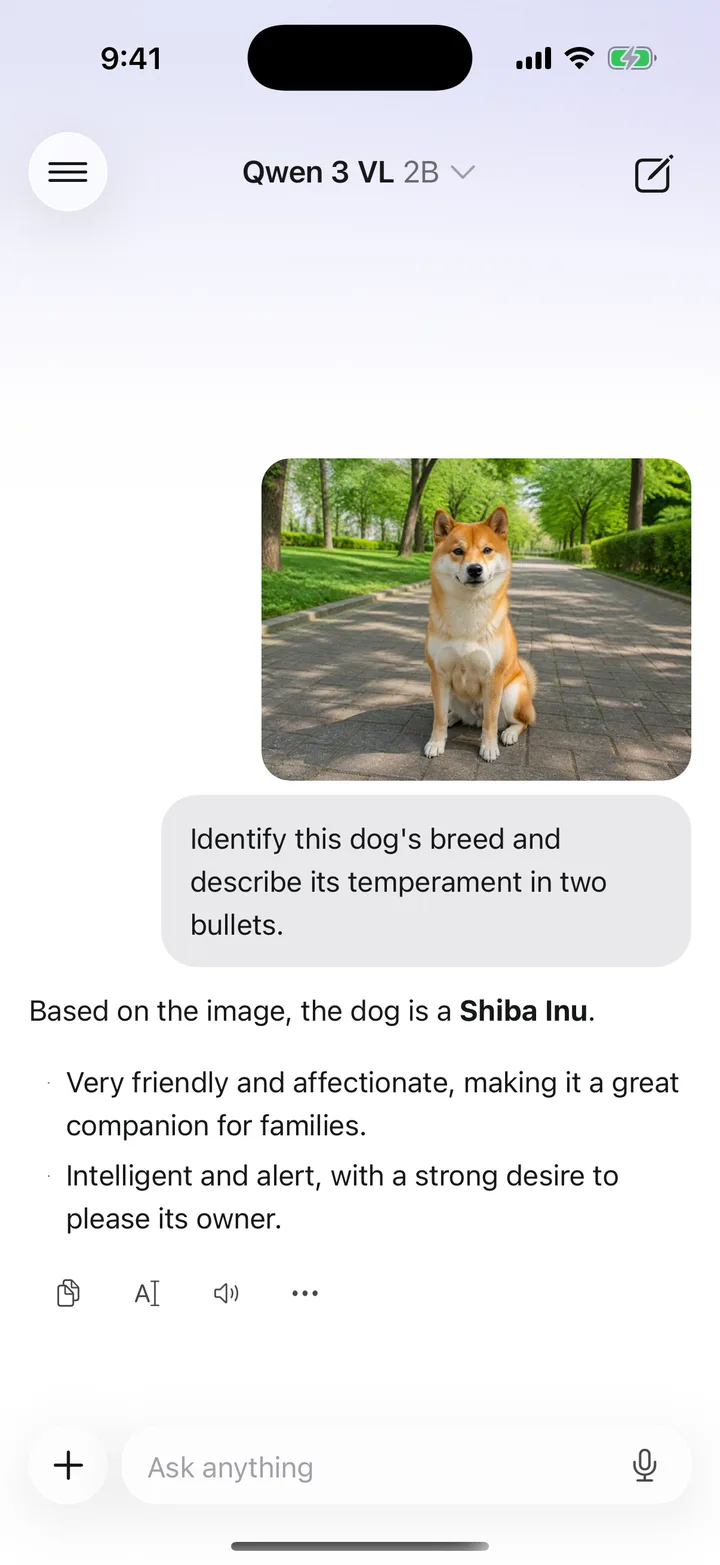
Photograph a sign, a menu, a chart or a receipt and ask what it says.
Models
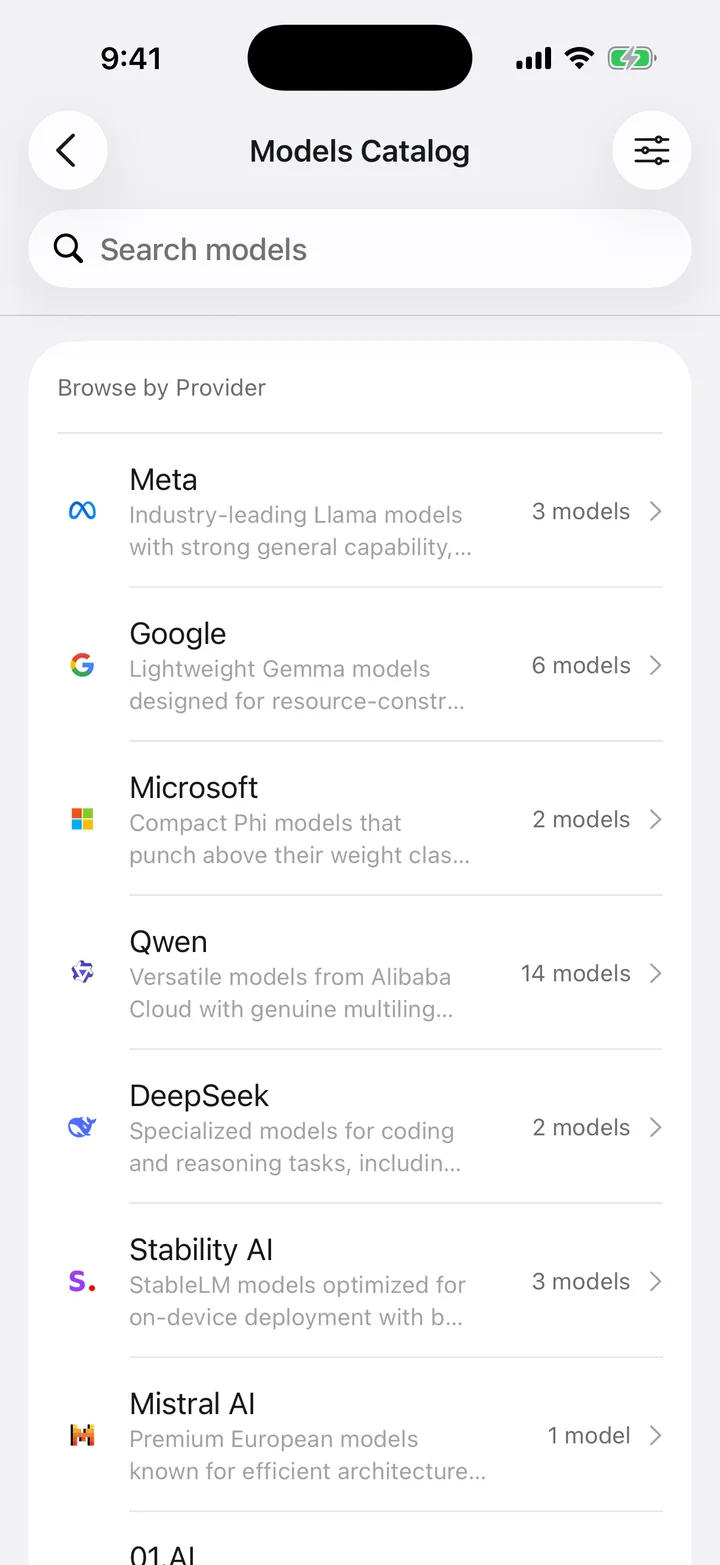
Browse by provider and download what fits: 112 MB to 3.11 GB, from Qwen and Google to PrismML and DeepSeek.
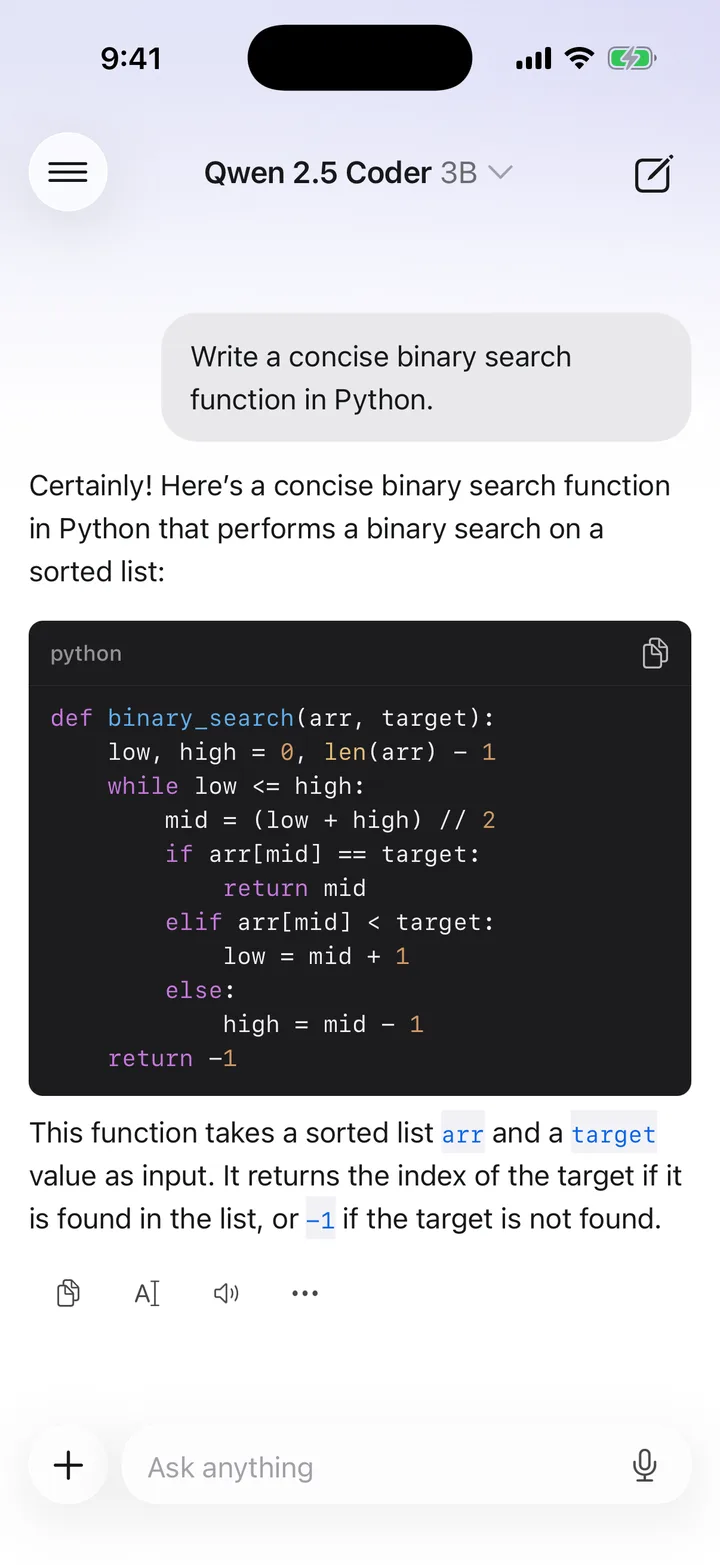
Code
Ask for a function, a fix or an explanation and get syntax-highlighted code back, with no connection.
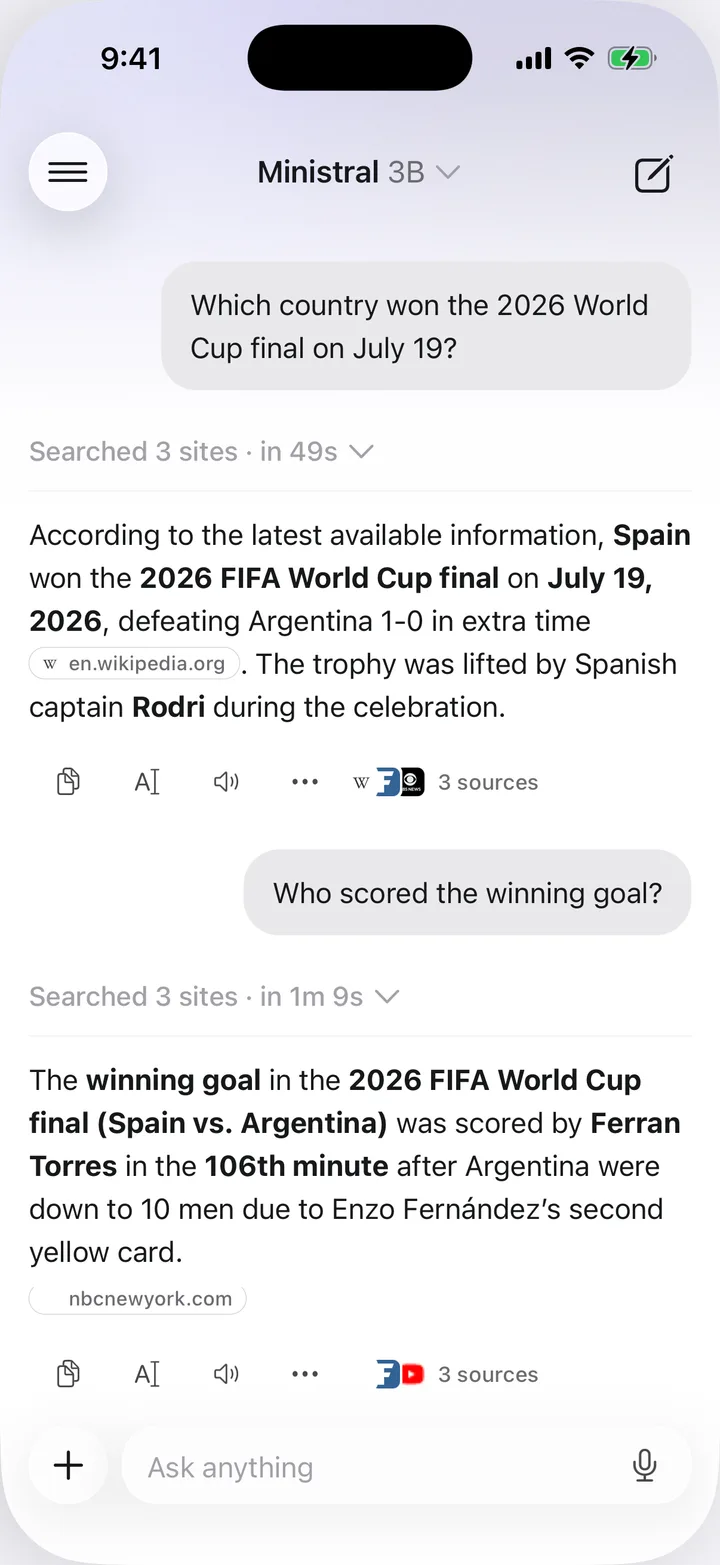
Web search
Off by default. Your own Tavily or Exa key turns it on, and every answer comes back with its sources.
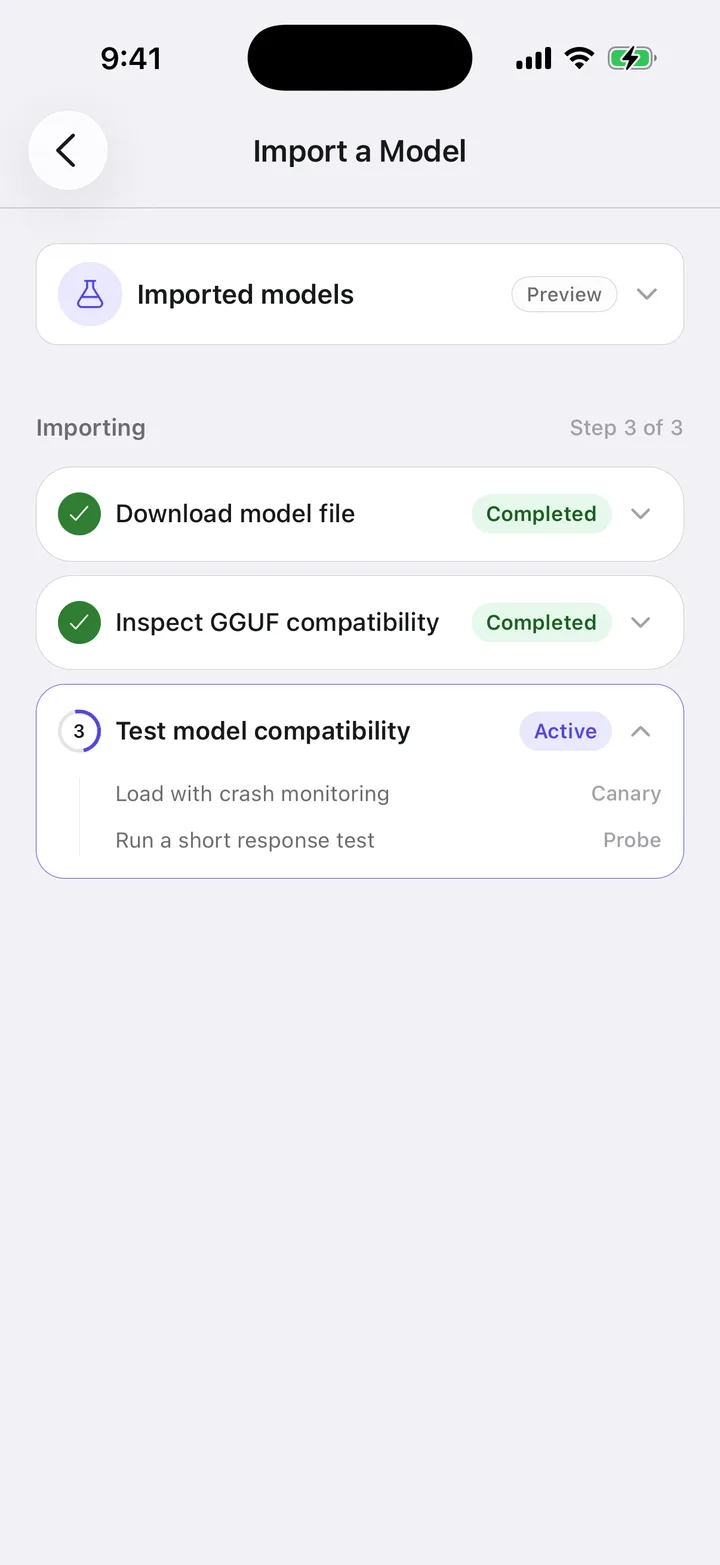
Your own model
Import a GGUF from Files or a direct URL and run it alongside the catalog. Experimental, and entirely yours.
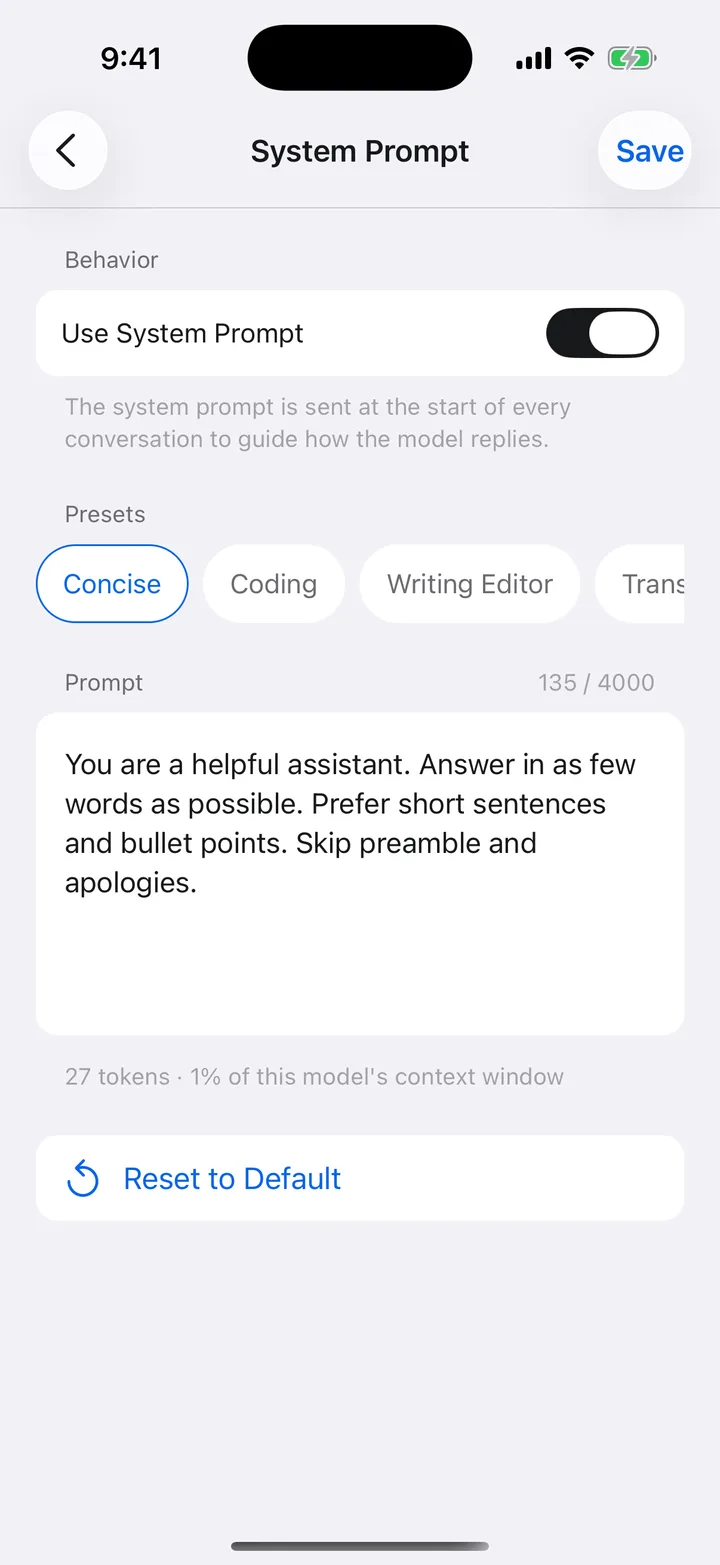
Custom instructions
A system prompt shapes every conversation: tone, format, persona. Presets get you started.
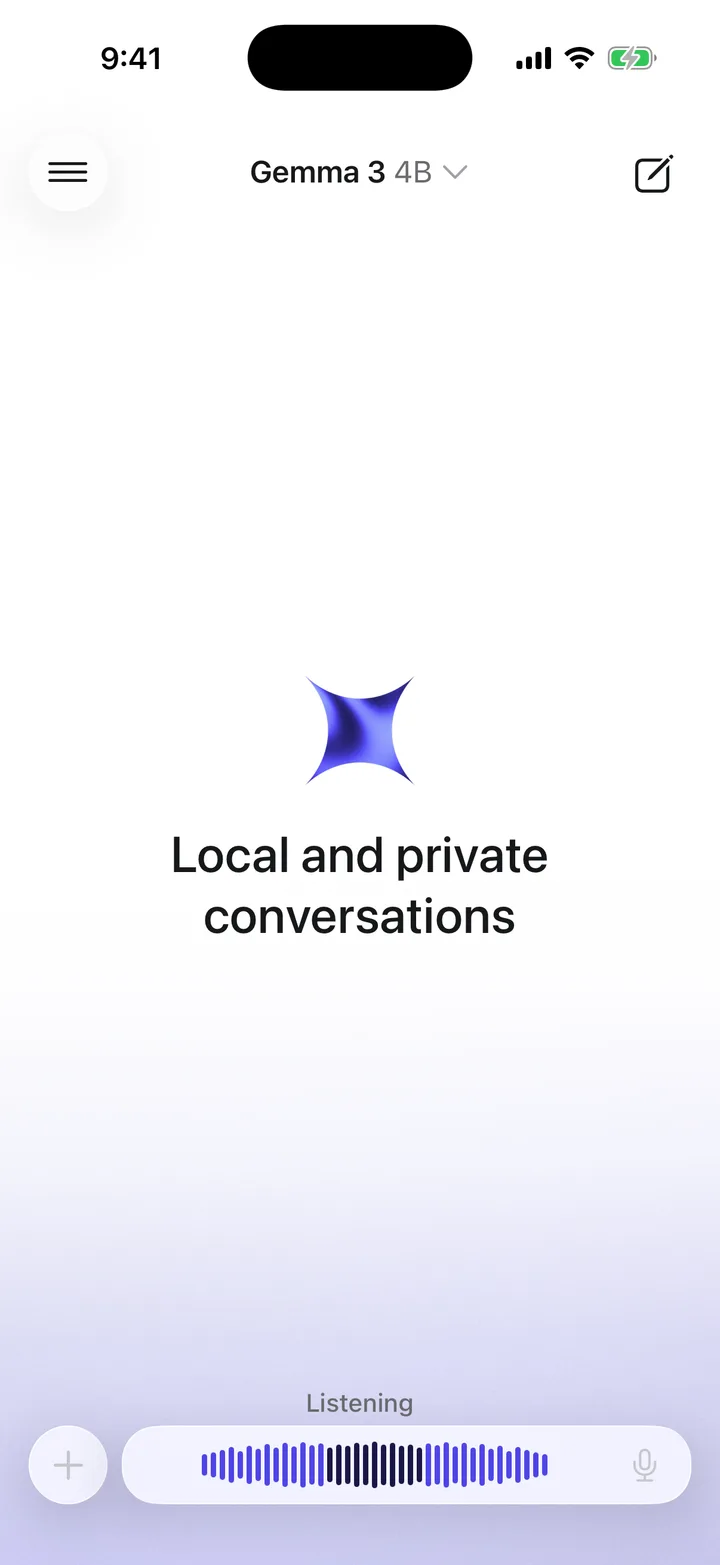
Voice
Dictation runs on the device too, so the question you ask out loud goes nowhere else.
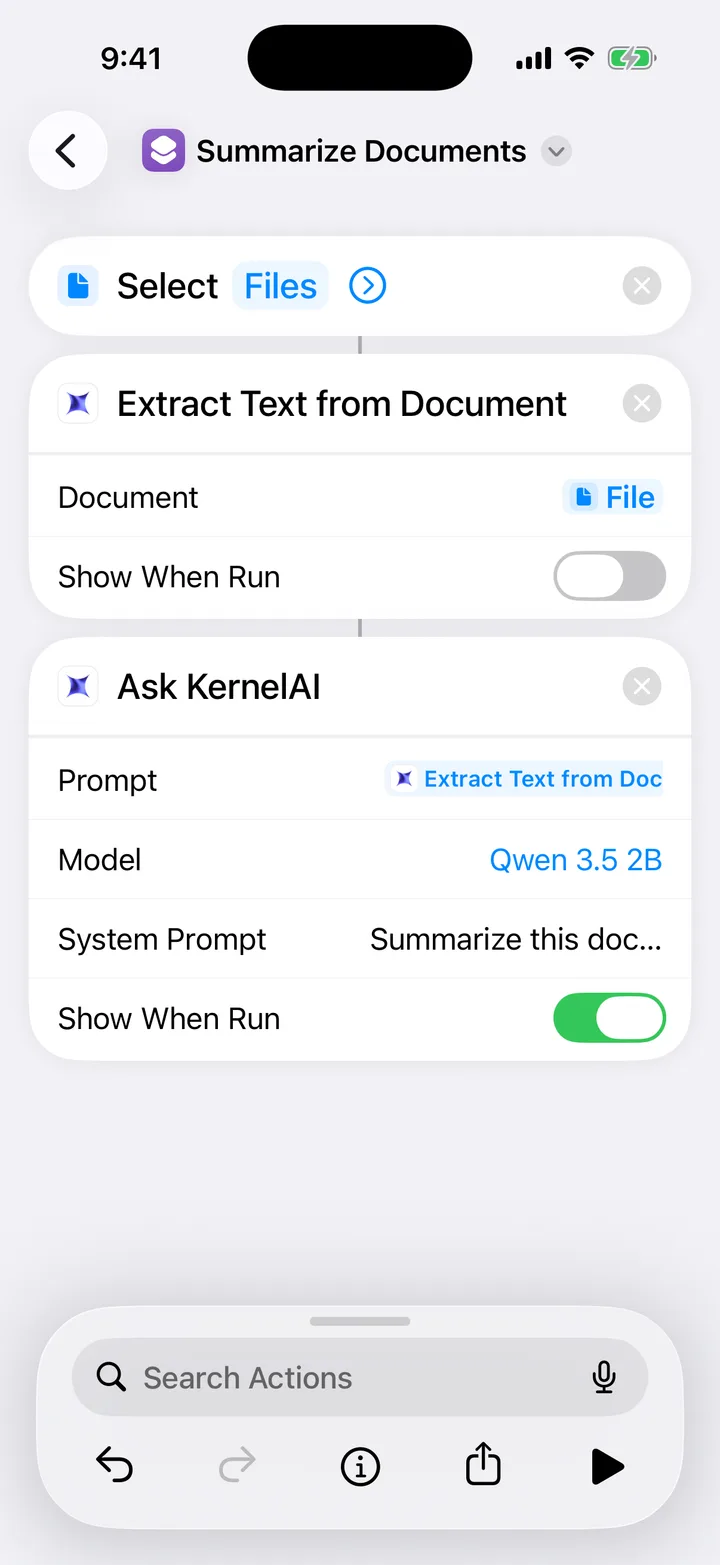
Shortcuts
Ask KernelAI and Extract Text from Document are Shortcuts actions, so any automation can use the models on the phone.
THE PART NOBODY ELSE DOES
Every model card is measured against your device's real memory budget. Models that will not fit are disabled, with the numbers printed on them:
Requires 3.4GB RAM Your device: 2.9GB
The catalog runs from 112 MB to 3.11 GB, and 18 of the 53 models are under a gigabyte.
Now on Android
Download KernelAI from Google Play, choose a model that fits your device, and keep your chats on it.
WHAT PEOPLE SAY
There are more on the listing, including the unkind ones.
“Running on an iPhone 14, it’s smooth, fast, has multiple chats, multiple models, works offline”“On your phone for safety free to use multiple different kind of bots to do different kind of things”“Cant lie a great ai it does everything i need to do”QUESTIONS
KernelAI runs quantised open-weight models through llama.cpp, on your iPhone's CPU and GPU. After a one-time download over Wi-Fi the model file lives on your device, and every prompt is processed locally with no internet round-trip.
Yes. Current features are free, with no subscription, no usage caps and no account. Optional tips support development and do not unlock features. Models run on your hardware.
Your chats, attached files, images and transcriptions are processed on the phone. KernelAI does not upload the full conversation to a server of ours. Model downloads and optional web search use the network; the privacy policy explains every supporting service.
Read the privacy policyCompletely. Once a model is downloaded you can use it in airplane mode, underground, or anywhere with no signal.
iPhone and iPad running iOS 16.4 or later, and Android devices running Android 7.0 or later. KernelAI measures your device's memory and disables the models it cannot run, so you always see what will actually work.
Yes. Dictation uses the iPhone's own on-device speech recognition, so the audio is transcribed on the phone and never sent anywhere. The app can also read replies aloud with the system's voices.
Yes. Two Shortcuts actions, Ask KernelAI and Extract Text from Document, run entirely on the phone, so an automation can answer a prompt or pull the text out of a document without opening the app. Siri can trigger either one.
Yes. Import any GGUF file from Files or straight from a URL, including a server on your own network, and it appears beside the catalog models. Imports are marked experimental, because compatibility varies from file to file.
Yes, with your own key, and it is off by default. Add a Tavily or Exa API key and the models tagged Web Search can look things up and cite their sources. The key stays in the iOS Keychain and the query goes to the provider you chose, not to us.
KernelAI runs open models locally on your phone and needs no account. Ordinary chat works after downloading a model, without sending the full conversation to our servers. Optional web search sends a short query to your selected provider; the privacy policy explains that network access.
GET THE APP
Free, no account, and it works with the network off.